Mastering the Art of Digital Texture: A Guide to Paint Brush Strokes and Grungy Effects
In the rapidly evolving world of digital design, the quest for authenticity has never been more intense. While vector graphics offer clean lines and perfect geometry, they often lack the soulful imperfection that characterizes human-made art. This is where paint brush strokes and the grungy brush effect become indispensable tools in a creator's arsenal. Whether you are a seasoned graphic designer or an enthusiastic hobbyist looking to elevate your craft, understanding how to leverage these textures can transform a flat, sterile image into a dynamic, tactile masterpiece.
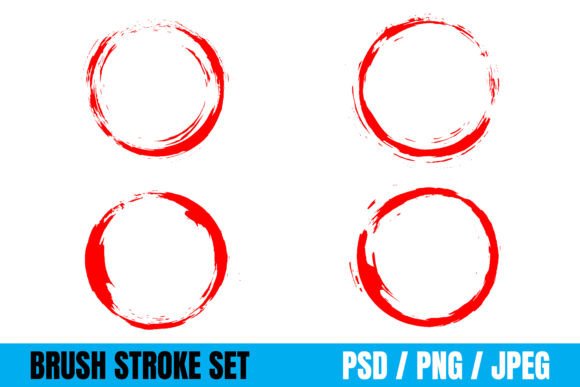
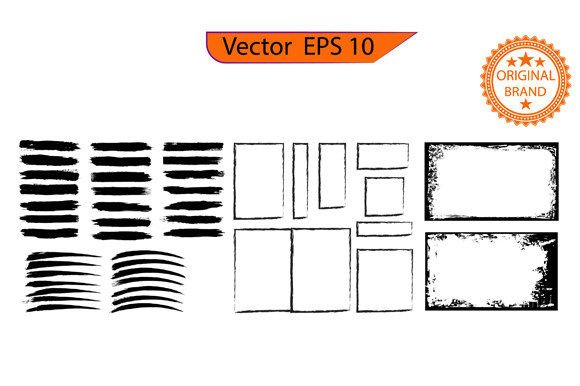
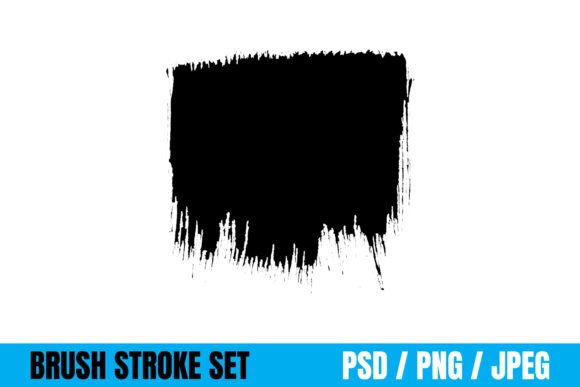
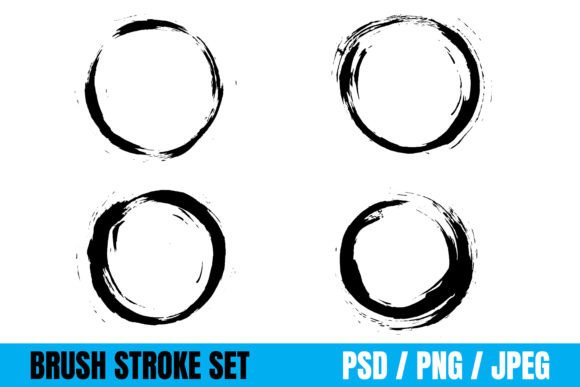
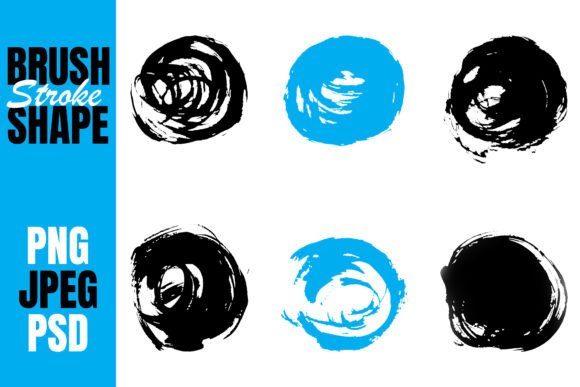
This set of paintbrush strokes is perfectly created for your creative projects, offering a bridge between the digital realm and the organic feel of traditional media. By incorporating these elements, you add depth, history, and emotion to your work, making it resonate more deeply with audiences who crave genuine connection over polished perfection.
The Power of Imperfection: Why Grungy Textures Matter
To understand the value of these assets, we must first look at the psychology of texture. In modern life, surrounded by sleek screens and high-definition displays, there is a growing fatigue with the "too perfect" aesthetic. The grungy brush effect taps into a desire for nostalgia and raw expression. It mimics the wear and tear of the physical world—the scratch on a wooden table, the faded ink on an old poster, or the splatter of paint on a canvas.
When applied correctly, these textures do not just decorate; they communicate. A grunge overlay on a logo can suggest ruggedness, durability, and a rebellious spirit. Conversely, soft, watercolor-style brush strokes can evoke feelings of gentleness, creativity, and approachability. These effects allow designers to manipulate the mood of a project without changing the core imagery, providing a subtle yet powerful layer of storytelling.
Bridging the Gap Between Traditional and Digital Art
One common misunderstanding among beginners is that using pre-made brush stroke files is "cheating" or lacks artistic merit. On the contrary, utilizing high-quality digital assets is about efficiency and versatility. Just as a painter chooses from a palette of pre-mixed colors, a digital artist selects from a library of textures to build their composition.
These paintbrush strokes come in different formats so you can use these paintbrush strokes anywhere you want. They serve as a foundational element that allows creators to focus on the bigger picture—composition, color theory, and message delivery—rather than spending hours manually creating every single speck of dust or drip of paint. This democratization of high-end textures means that even those without years of painting experience can achieve professional-grade results.
Versatility Across Industries and Mediums
The true strength of this collection lies in its adaptability. You can use these brush strokes for your design, Craft Projects, Card, T-shirts, Packaging, Book Cover, Logo, Website, Social Media Banner, Banner, or anywhere you need. Let’s explore how these assets fit into various sectors of modern creativity.
- Branding and Logos: In a crowded marketplace, a logo needs to stand out. Integrating a subtle grungy brush effect can give a brand identity a unique fingerprint, distinguishing it from competitors relying solely on standard geometric shapes.
- Fashion and Apparel: For T-shirt designs, the texture of a brush stroke adds a sense of movement and energy. It transforms a simple graphic print into a piece of wearable art that feels hand-painted rather than mass-produced.
- Packaging Design: Consumers are increasingly drawn to products that feel artisanal. Using these strokes on packaging can suggest that the contents inside are natural, organic, or crafted with care, enhancing perceived value.
- Digital Marketing: From social media banners to website headers, static images often fail to capture attention. Adding a textured background breaks the monotony of solid colors, guiding the viewer's eye and increasing engagement rates.
Technical Excellence: Understanding File Formats
A critical aspect of working with digital assets is understanding the file formats available to you. This collection includes files in PSD, JPEG, and PNG, each serving a specific purpose in the design workflow. Knowing when to use which format is essential for maintaining quality and flexibility.
PSD (Photoshop Document)
The PSD format is the gold standard for editable layers. When you download the PSD version of these paintbrush strokes, you gain the ability to manipulate individual elements. You can change the color of a specific stroke, adjust the opacity of a shadow, or blend modes to integrate the texture seamlessly with your background. This is ideal for professional designers who need maximum control over the final output.
PNG (Portable Network Graphics)
For web designers and quick-turnaround projects, the PNG format is invaluable. Its primary advantage is support for transparency. You can place a PNG brush stroke over any colored background without worrying about a white box appearing around it. This makes it perfect for social media graphics, website overlays, and composite images where speed and ease of use are priorities.
JPEG (Joint Photographic Experts Group)
While less flexible than PSD or PNG, JPEG files are universally compatible and have smaller file sizes. They are excellent for sharing previews, printing large-scale banners where layer editing isn't required, or embedding in documents where compatibility is key. However, always ensure the resolution is high enough to prevent pixelation when zoomed in.
Practical Application: How to Integrate Brush Strokes Effectively
Having the right tools is only half the battle; knowing how to apply them is where the magic happens. Here is a step-by-step approach to incorporating these textures into your next project.
- Define Your Mood: Before opening your software, decide what emotion you want to convey. Do you need a chaotic, energetic splash for a music festival flyer? Or a delicate, dry-brush texture for a wedding invitation?
- Choose the Right Format: If you plan to tweak the color, start with the PSD file. If you need a quick overlay for a blog post, grab the PNG.
- Blend Modes are Key: In software like Adobe Photoshop or Canva, experiment with blend modes such as "Multiply," "Overlay," or "Soft Light." These settings allow the brush strokes to interact with the underlying image, creating a realistic sense of depth rather than just sitting on top like a sticker.
- Adjust Opacity: Often, less is more. A grungy effect at 100% opacity can look overwhelming. Lowering the opacity to 30% or 50% can create a subtle atmosphere that enhances the design without distracting from the main content.
- Contextual Placement: Don't scatter textures randomly. Use brush strokes to frame text, highlight focal points, or create visual flow across a page. For example, a sweeping stroke leading toward a call-to-action button can subconsciously guide the user's click.
Common Misconceptions and Best Practices
Despite their utility, there are pitfalls to avoid when using grungy brush effects. One common mistake is overuse. Applying heavy textures to every element of a design can make it look cluttered and unprofessional. The goal is enhancement, not distraction. Always ask yourself: "Does this texture add value to the message?" If the answer is no, remove it.
Another assumption is that grunge equals "dirty." While the style originated from urban decay aesthetics, modern interpretations are clean and sophisticated. A well-executed brush stroke can look elegant and refined, suitable for luxury brands and high-end editorial layouts. It is all about the execution and the balance between texture and negative space.
Conclusion: Elevate Your Creative Vision
In conclusion, the integration of paint brush strokes and grungy brush effects is more than a trend; it is a fundamental technique for adding humanity to digital design. Whether you are crafting a personal card, designing a corporate logo, or building a website, these assets provide the versatility needed to bring your vision to life. With files available in PSD, JPEG, and PNG formats, you have the freedom to experiment across any medium.
By mastering the use of these textures, you move beyond the limitations of standard digital tools and embrace a richer, more expressive form of communication. So, the next time you start a new project, remember that a little bit of imperfection might be exactly what your design needs to truly shine. Explore these possibilities, experiment with blending, and let your creativity flow as freely as the brush strokes themselves.