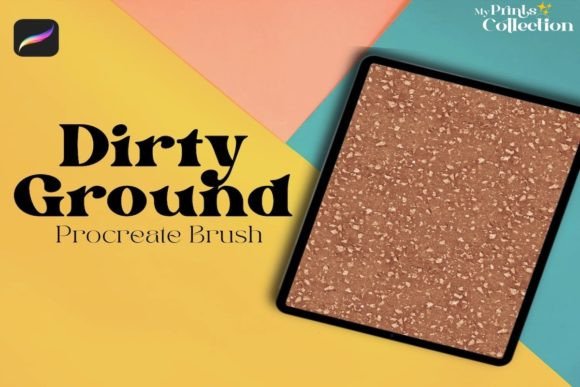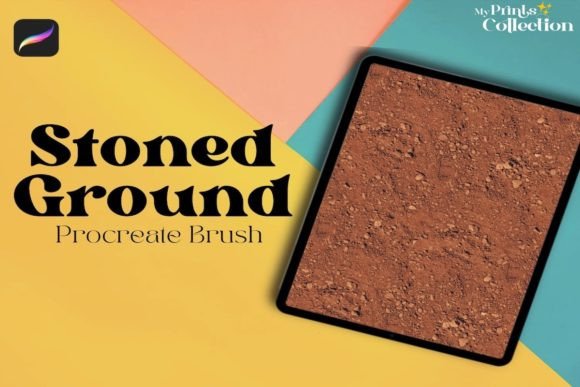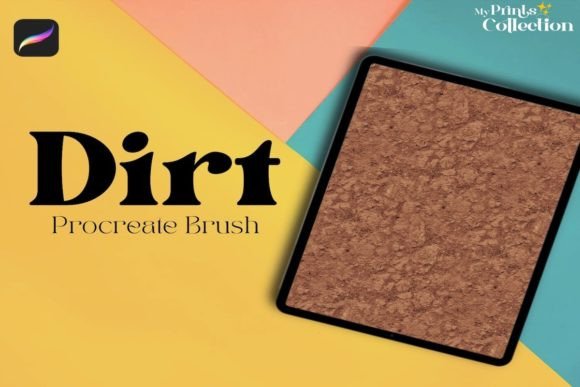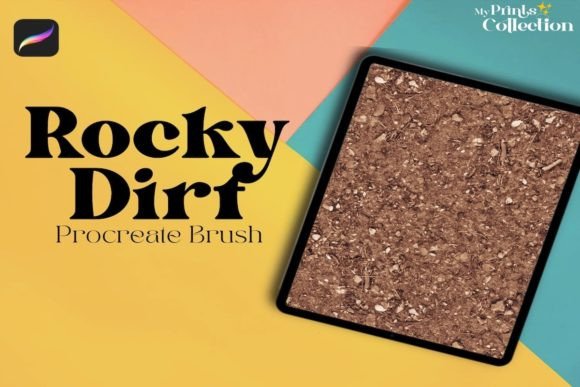
Adding Grit and Texture with the Cracked Snow Ground Procreate Brush
Digital illustration often struggles to replicate the tactile imperfections of the physical world. While vector art and clean lines have their place, many creators seek ways to introduce organic chaos into their work. This is where specialized texture tools become essential components of a professional workflow. The Cracked Snow Ground Procreate Brush emerges as a focused solution for artists who need to simulate weathered surfaces, frozen terrain, or gritty overlays without resorting to complex layer masking or external photo manipulation.
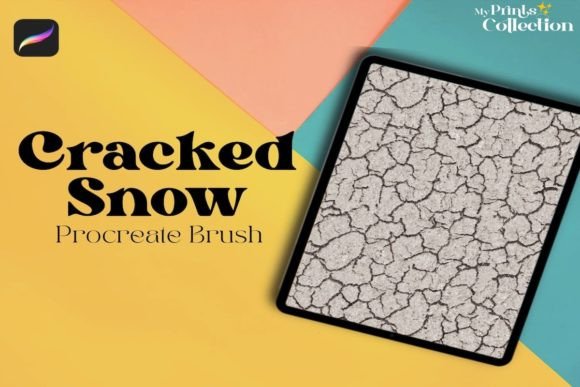
This tool is not designed to be a general-purpose painting instrument. Instead, it serves a specific function: applying a seamless, dirty, or ground-like texture that mimics the visual complexity of cracked earth and packed snow. For digital painters, concept artists, and graphic designers working within the iPad ecosystem, understanding how this single brush operates can significantly streamline the texturing phase of a project.
Understanding the Tool’s Core Functionality
The primary value of the Cracked Snow Ground Procreate Brush lies in its ability to generate consistent, high-resolution patterns that feel natural rather than repetitive. Unlike standard noise brushes that scatter random pixels, this brush utilizes a structured stamping mechanism combined with dynamic spacing. This allows the user to lay down a continuous field of texture that resembles fractured ice, dry mud, or worn concrete.
What makes this brush distinct is its dual nature. It can appear as pristine, cracked snow when used with lighter opacity and white or cool gray tones. Conversely, by adjusting the color to browns, ochres, or dark grays, the same brush stroke transforms into a dirty, grounded surface. This versatility means artists do not need separate brushes for "clean" and "dirty" textures; they simply adjust their palette and pressure sensitivity.
The brush is engineered to work seamlessly. In practical terms, this means you can paint across a large canvas without seeing obvious tile edges or repetition artifacts. For background artists creating expansive landscapes, this consistency is crucial. It allows for rapid coverage of large areas while maintaining visual interest at both macro and micro levels.
Technical Requirements and Compatibility
Before integrating any new asset into your library, it is vital to verify compatibility. The Cracked Snow Ground Procreate Brush is built exclusively for the Procreate app on iPad. It requires Procreate App version 5 or higher. This requirement ensures that the brush leverages the latest rendering engines and texture handling capabilities introduced in recent updates.
It is important to note what this tool is not. It is not compatible with Photoshop, Illustrator, or other desktop-based design software. Attempting to import this file into Adobe Creative Cloud applications will result in errors or unsupported file formats. This limitation is not a flaw but a reflection of the specialized nature of Procreate’s brush engine, which differs significantly from raster-based desktop programs. Users must be committed to the iPad workflow to derive value from this asset.
Practical Applications in Digital Art
The utility of this brush extends beyond simple landscape painting. Here are several scenarios where the Cracked Snow Ground Procreate Brush proves particularly effective:
- Environmental Concept Art: When designing post-apocalyptic scenes or winter survival settings, the brush provides instant atmospheric depth. It helps establish the mood of a harsh, unforgiving environment without hours of manual detailing.
- Typography and Poster Design: Graphic designers can use the texture to add grit to lettering. By clipping the brush strokes to text layers, creators can achieve a distressed, vintage look that resonates with modern streetwear or industrial aesthetics.
- Character Design Details: Use the brush subtly on clothing or armor to suggest wear and tear. A light pass over a character’s boots or cloak can imply they have been traveling through rough terrain, adding narrative context through visual cues.
- Background Overlays: For digital collages, the brush creates cohesive grounding elements. It helps tie disparate images together by providing a unified textural base that simulates a shared physical space.
Evaluating Usability and Workflow Integration
From a usability standpoint, the brush is designed for immediate application. There is no steep learning curve associated with its basic functions. Upon installation, the default settings are calibrated to provide a balanced output. However, serious professionals will appreciate the depth of customization available within Procreate’s Brush Studio.
Artists can modify the grain source, adjust the spacing, and tweak the dynamics of size and opacity based on Apple Pencil pressure. This flexibility ensures that the brush can adapt to individual styles. A illustrator preferring soft, painterly edges can dampen the hardness settings, while a technical artist might increase contrast for sharper, more defined cracks.
The reliability of the brush is another notable strength. Because it relies on a single, optimized stamp image rather than complex procedural generation, it performs efficiently even on larger canvases. This reduces lag and ensures a smooth drawing experience, which is critical for maintaining creative flow during intensive work sessions.
Who Benefits Most from This Asset?
The Cracked Snow Ground Procreate Brush is not a one-size-fits-all solution. It is best suited for specific types of creators:
- Freelance Illustrators: Those who need to deliver high-quality, textured work quickly will find this brush invaluable for meeting tight deadlines without sacrificing detail.
- Hobbyists and Students: Artists learning digital painting often struggle with creating believable textures manually. This tool serves as an educational aid, allowing them to study how light interacts with cracked surfaces by observing the brush’s output.
- Small Business Owners and Marketers: Creators producing social media content or product mockups can use the brush to add a premium, tactile feel to digital designs, making them stand out in crowded feeds.
Conversely, artists who strictly work in vector formats or those who prefer ultra-clean, minimalist aesthetics may find limited use for this tool. It is inherently chaotic and imperfect, which may clash with highly polished, corporate-style visuals.
Limitations and Considerations
While the brush is effective, it is not magic. Relying solely on texture brushes can lead to a homogenized look if not used with restraint. The key to professional results is subtlety. Overusing the Cracked Snow Ground Procreate Brush can make artwork appear muddy or overly busy. It should be treated as a supporting element, not the main focus.
Additionally, because it is a single-brush product, it does not offer a vast library of variations. Artists seeking a wide array of different crack patterns or snow types may need to supplement this tool with other assets. However, for its specific niche—providing a reliable, high-quality ground texture—it excels.
Final Thoughts on Value and Longevity
In the realm of digital art resources, longevity is determined by how well a tool integrates into daily practice. The Cracked Snow Ground Procreate Brush offers enduring value because texture is a timeless element of visual storytelling. As long as artists seek to convey realism, age, or atmosphere, tools that facilitate these effects will remain relevant.
For iPad users operating on Procreate version 5 or higher, this brush represents a low-risk, high-reward addition to their toolkit. It addresses a common pain point—creating realistic ground textures—with a straightforward, efficient solution. By understanding its strengths and limitations, creators can leverage this asset to enhance the depth and authenticity of their digital work, ensuring their art resonates with viewers on a tactile level.