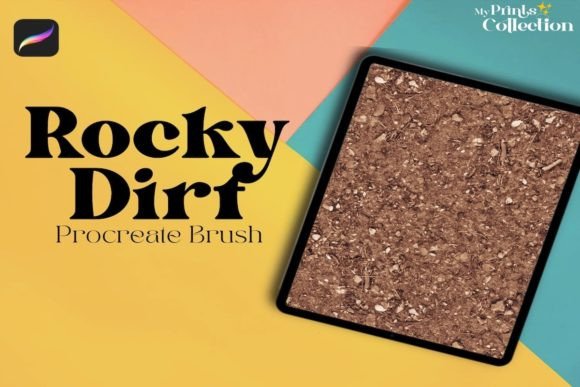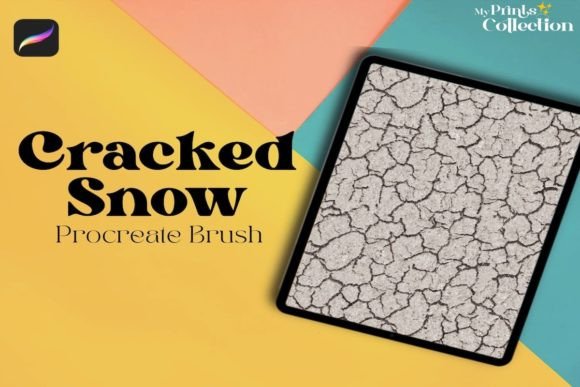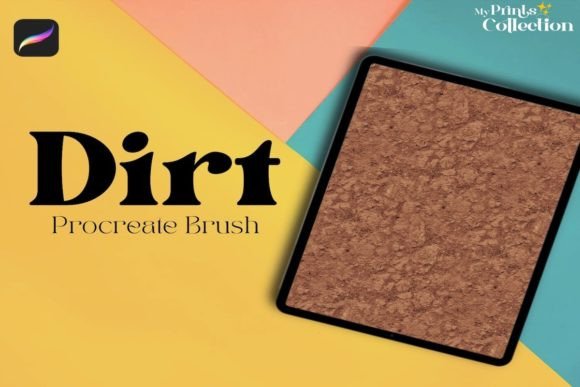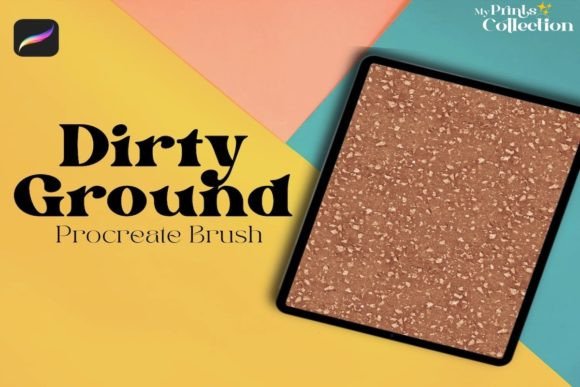
Sand Footprints Ground Procreate Brush Guide
Digital art often struggles with one persistent challenge: sterility. While tablets and styluses offer incredible precision, they can sometimes produce work that feels too clean, too perfect, and ultimately detached from the tactile reality of the physical world. This is where texture becomes not just an aesthetic choice, but a narrative necessity. The Sand Footprints Ground Procreate Brush addresses this gap by providing artists with a specialized tool designed to inject organic realism into digital compositions. By simulating the irregular, granular nature of sand and earth, this brush allows creators to ground their subjects in a believable environment, adding depth and history to every stroke.
For professionals and hobbyists alike, understanding how to effectively integrate such specific textures can transform a flat illustration into a compelling visual story. Whether you are designing concept art for a desert landscape, creating marketing materials for an outdoor brand, or simply adding subtle grit to a character portrait, the right texture brush serves as a bridge between digital efficiency and analog warmth. This article explores the practical applications, technical requirements, and creative advantages of using the Sand Footprints Ground Procreate Brush in your workflow.
Enhancing Realism Through Organic Texture
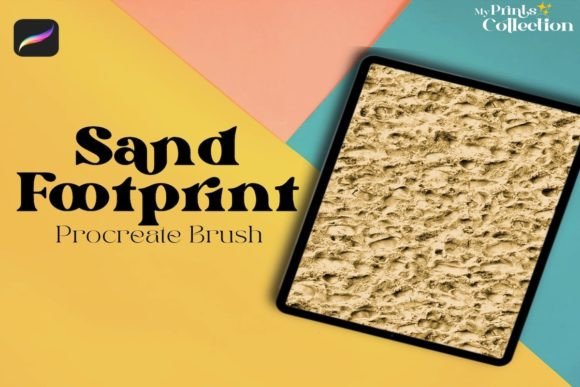
The primary value of the Sand Footprints Ground Procreate Brush lies in its ability to break up uniform color fields. In nature, surfaces are rarely smooth. Even the most polished stone has microscopic imperfections, and sand dunes shift with complex, wind-swept patterns. When artists attempt to replicate these environments using standard hard-edged brushes, the result often looks artificial. This single brush is engineered to mimic the seamless pattern texture of dirty or grounded surfaces, providing an immediate layer of authenticity.
Consider a scenario where you are illustrating a scene set on a beach. Without a dedicated texture tool, you might spend hours manually painting individual grains of sand, a process that is both time-consuming and prone to looking repetitive. With the Sand Footprints Ground Procreate Brush, you can lay down a base layer that captures the chaotic yet cohesive nature of sand in seconds. This efficiency allows you to focus more on composition and lighting rather than getting bogged down in tedious detailing. The brush’s design ensures that the texture remains consistent across large areas, avoiding the tiled look that plagues many lower-quality texture assets.
Streamlining Workflow for Professionals
Time is a critical resource for freelancers, agency designers, and content creators. The pressure to deliver high-quality visuals quickly means that any tool which reduces manual labor is invaluable. The Procreate Sand Footprints Ground Single Brush is the perfect brushe to add a dirty or ground seamless pattern texture to your Procreate Digital Art, effectively acting as a shortcut to a finished look. Instead of building up texture through multiple layers of noise filters or overlay images, you can paint the texture directly onto your canvas.
This direct approach offers greater control over where the texture appears. For example, a marketer creating social media graphics for a hiking gear company might want to emphasize durability and ruggedness. By applying this brush to the background or even subtly over product images, they can evoke a sense of adventure and earthiness without needing extensive photo manipulation skills. The brush integrates seamlessly into the existing Procreate interface, meaning there is no steep learning curve. You simply select the brush, adjust the size and opacity to suit your needs, and start painting.
Technical Compatibility and Requirements
Before integrating any new asset into your digital toolkit, it is essential to understand its technical constraints. The Sand Footprints Ground Procreate Brush is designed specifically for the iPad ecosystem. To use this tool effectively, you must have the Procreate App version 5 or higher installed on your device. This requirement ensures that the brush leverages the latest rendering engines and gesture controls available in the software, providing a smooth and responsive experience.
It is crucial to note that this brush is not compatible with Photoshop or Illustrator. This limitation is important for users who work across multiple platforms. If your workflow relies heavily on Adobe Creative Cloud, you will need to complete your texturing work within Procreate before exporting the file. However, for those who have embraced the iPad as their primary creation device, this specialization is actually a benefit. The brush is optimized for Apple Pencil pressure sensitivity and tilt recognition, features that are unique to the Procreate environment. Trying to force a Procreate-specific brush into a different software suite would likely result in loss of fidelity and functionality.
Creative Applications Beyond Landscapes
While the name suggests a focus on outdoor scenes, the utility of the Sand Footprints Ground Procreate Brush extends far beyond traditional landscapes. Creative professionals are increasingly using texture to add emotional weight and visual interest to diverse projects. Here are several practical use cases where this brush can elevate your work:
- Character Design: Adding subtle dirt or dust to a character’s clothing can suggest they have been traveling or working hard. A light pass with this brush over armor or fabric can break up solid colors and add narrative context.
- Typography and Lettering: Hand-lettered quotes often benefit from a textured background or a distressed effect on the letters themselves. Using this brush can give text a vintage or worn appearance, making it feel more organic and less digital.
- Product Mockups: When presenting designs for packaging or branding, placing the product on a textured surface can make the mockup feel more realistic. A sandy or gritty ground texture provides a neutral yet interesting backdrop that doesn’t distract from the main subject.
- Abstract Art: For abstract creators, the interplay of smooth gradients and rough textures can create dynamic contrast. This brush allows for the introduction of chaos into structured compositions, adding visual tension and interest.
Maximizing the Potential of Your Brush
To get the most out of the Sand Footprints Ground Procreate Brush, consider experimenting with layer blending modes. Simply painting with the brush on a normal layer may not always yield the desired effect. Try setting the layer to "Multiply" to darken the underlying colors with the texture, or "Overlay" to enhance contrast. Adjusting the opacity can also help you achieve a subtle hint of grit rather than an overwhelming amount of texture.
Additionally, combine this brush with other tools in your arsenal. Use a soft airbrush to lay down base colors and shadows, then switch to the Sand Footprints Ground Procreate Brush to add surface detail. This layered approach mimics the way light interacts with real-world objects, where form is defined by shadow and surface quality is defined by texture. Remember that less is often more; a subtle application can be more effective than a heavy-handed one, especially when aiming for realism.
In conclusion, the Sand Footprints Ground Procreate Brush is more than just a decorative element; it is a functional tool that enhances the credibility and appeal of digital art. By understanding its capabilities, respecting its technical requirements, and applying it thoughtfully across various projects, artists and designers can save time while significantly improving the quality of their output. Whether you are a seasoned professional or an enthusiastic hobbyist, incorporating this brush into your workflow can help you achieve the organic, grounded look that resonates with audiences in today’s visually saturated world.